Discover how you can take a digital page and embellish to add interest and versatility. Please login or register to view this content.
25 Days of Christmas Advent Calendar
This is an altered Hybrid advent calendar. This calendar uses digital supplies (papers, printed digital embellishments) and traditional supplies: ribbon, rub ons, poinsettia flowers, brads. This project is unique because it can be used as a traditional advent calendar to use with the family during the Holidays but it is very special and personal because [...]
How to Accent Your Photo with Journaling
Layout Title: “Never Give Up” This is a digital layout with traditional elements. Digital Supplies: Adobe Photoshop Elements 5.0 Tara Sroka Designs: Funky Summer kit paper, battery pack icon, @ at tarasrokadesigns.com Computer Font: CK quick Traditional Supplies: Staples hi gloss photo paper Autumn Leaves: clear buttons Joann’s: gold rings Linked: glass disks Glue dots: [...]
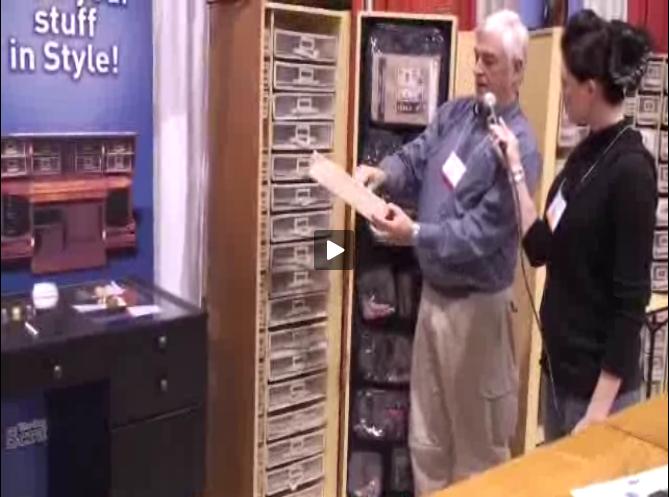 The Original Scrap Box
