REVIEW: Digital Scrapbook Artist - Our Cover Layout - Easy!
November 29, 2009 by Cindy Wyckoff
Filed under Digital Scrapbook Artist Software, Layouts, Product Review, Video Instruction, Vol 3 Issue 1
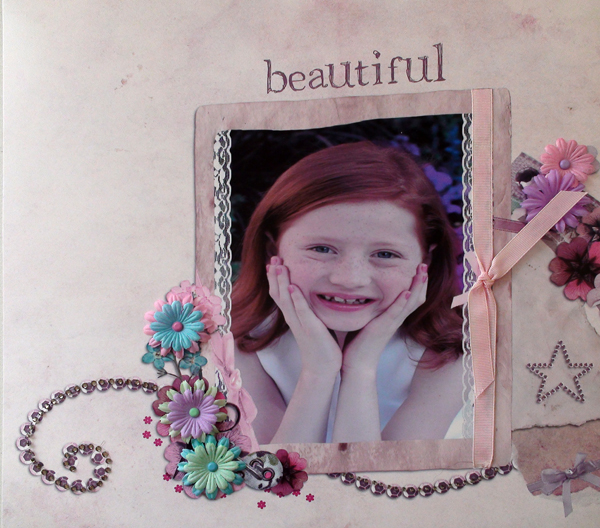 You won’t believe how fast this was and fun! Check out the video that will walk you through the process using Digital Scrapbook Artist software.
Here is the cover layout we used for Vol 3 Issue 1:
(Click HERE for video near end of article.)
Here is the layout in digital before it was embellished.
Here is the layout [...]
Shabby Spring Fever Digital Kit
November 29, 2009 by Chere Warrick
Filed under Digital Kits, Downloads, Vol 3 Issue 1
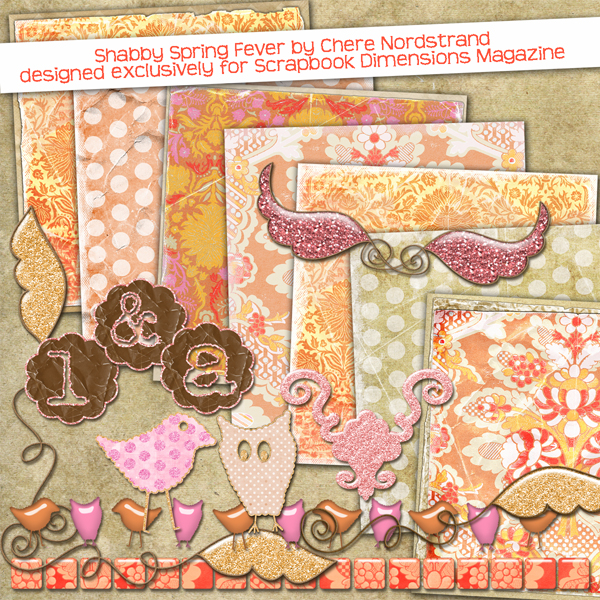 Enjoy scrapping with this Shabby Spring Fever Kit designed exclusively for Scrapbook Dimensions readers by Chere Nordstrand, Creative Editor.
Free Dream Create Inspire Kit from Scrap Professor
November 29, 2009 by Joli Kirk
Filed under Digital Kits, Downloads, Vol 3 Issue 1
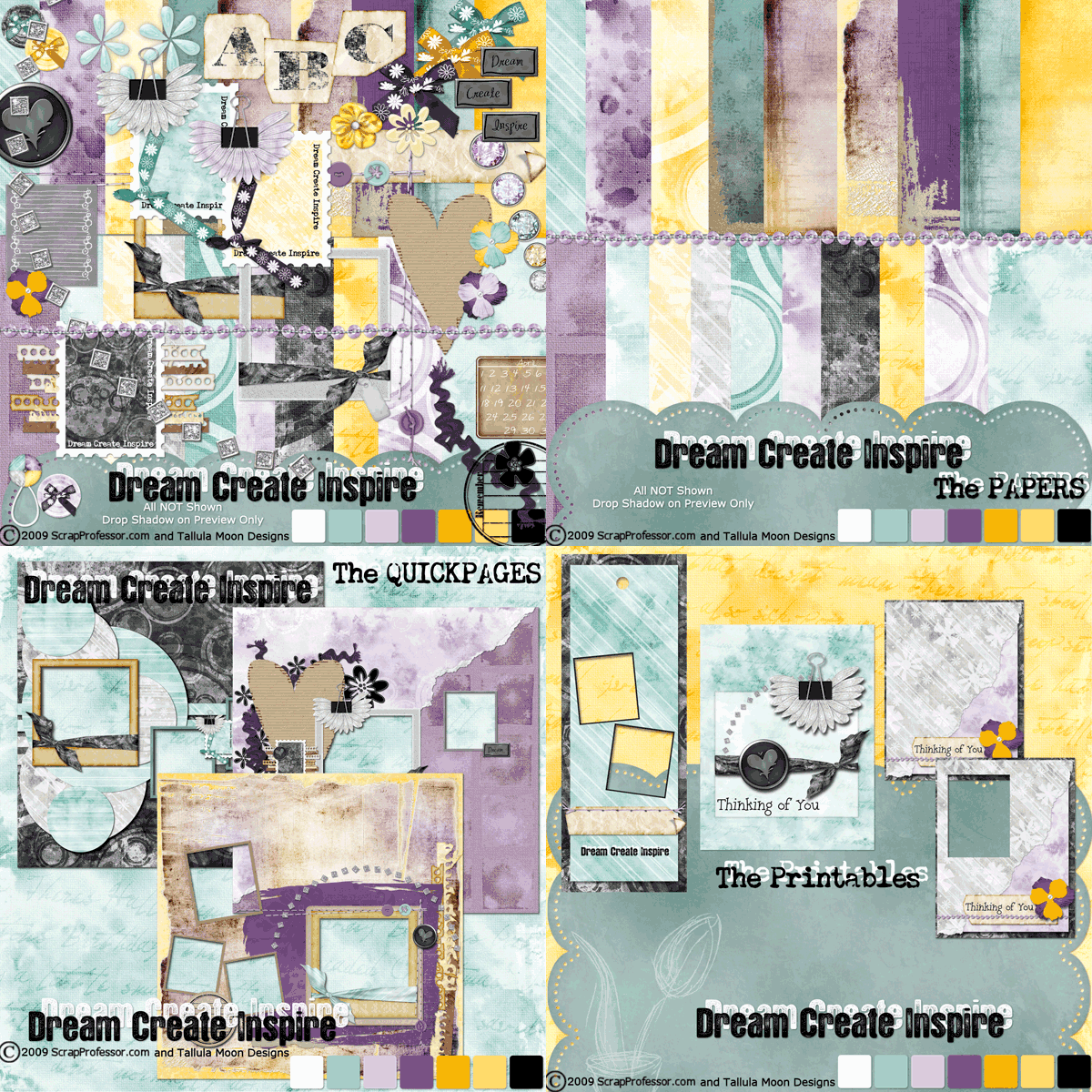 This kit is jam-packed with value, in addition to several quick pages and printable projects!
Perfectly Personalized Easter Basket
November 29, 2009 by Joscelyn Cutchens
Filed under Projects, Vol 3 Issue 1
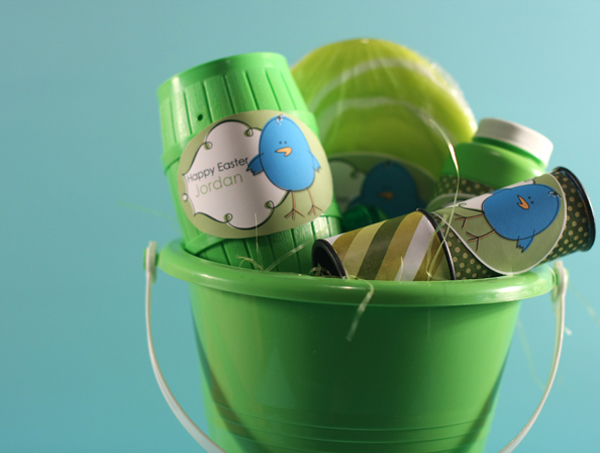
(Video showing computer techniques at end of article.)
Please login or register to view this content.
BACK TO TOP
My Lucky Charms
November 29, 2009 by Joscelyn Cutchens
Filed under Layouts, Vol 3 Issue 1
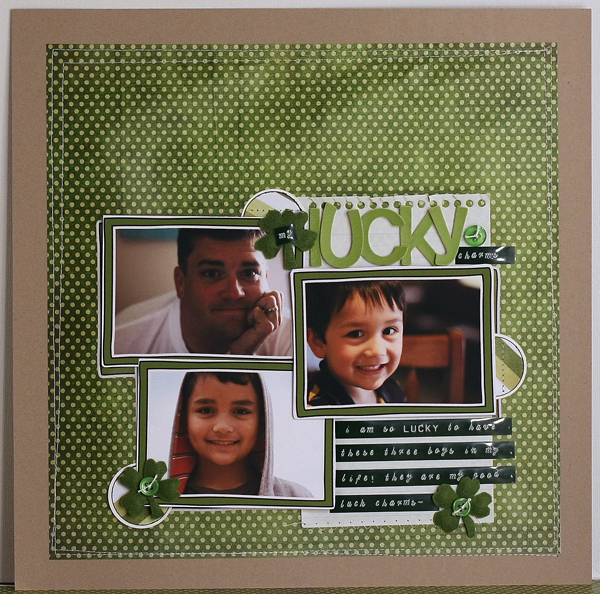
Please login or register to view this content.
BACK TO TOP
How To Use a Layered PSD Template in Adobe Photoshop Elements
November 29, 2009 by Gina Lideros
Filed under Layouts, Vol 3 Issue 1
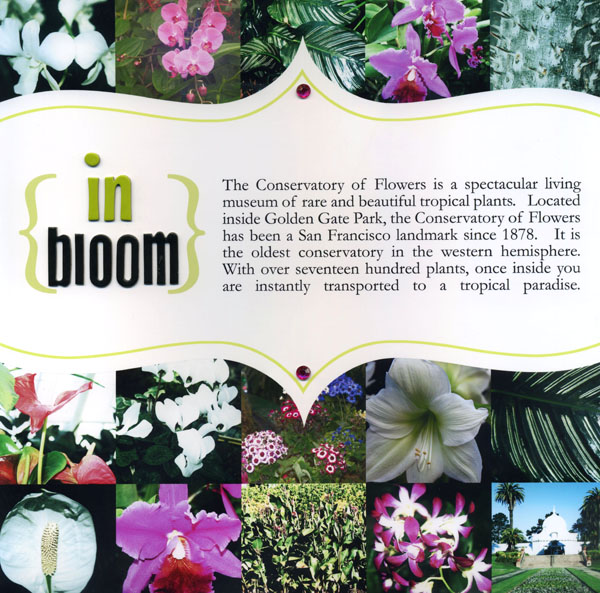
Follow along with Gina as she shows you step-by-step how to use a digital template. It’s fast, fun and will save you so much time!
Please login or register to view this content.
BACK TO TOP
How to Accent Your Photo with Journaling
November 29, 2009 by Gina Lideros
Filed under Layouts
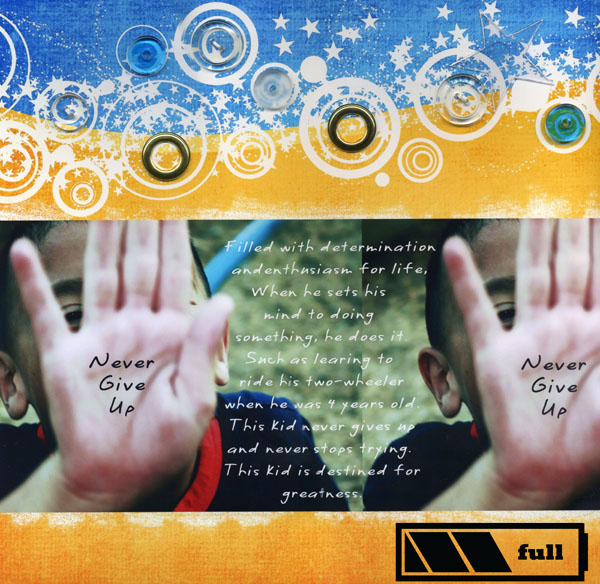 Layout Title: “Never Give Up”
This is a digital layout with traditional elements.
Digital Supplies:
Adobe Photoshop Elements 5.0
Tara Sroka Designs: Funky Summer kit paper, battery pack icon, @ at tarasrokadesigns.com
Computer Font: CK quick
Traditional Supplies:
Staples hi gloss photo paper
Autumn Leaves: clear buttons
Joann’s: gold rings
Linked: glass disks
Glue dots: adhesive
How to Accent Your Photo with Journaling
Open your [...]
Dear Lizzie
November 29, 2009 by Cindy Wyckoff
Filed under Interview, Vol 3 Issue 1
 Take a look at the gorgeous boutique where we did our photo shoot for the cover layout. We took extra eye candy photos for you to enjoy!
Laura (Owner)
At Dear Lizzie, everyday delights inspire their customers to live beautifully! Dear Lizzie evolved from a series of creative influences, from Laura’s mother Elisabeth, whose darling picture at [...]
Creating a Pop Art, Andy Warhol Style Photo
November 29, 2009 by Kristie Bentley
Filed under Layouts
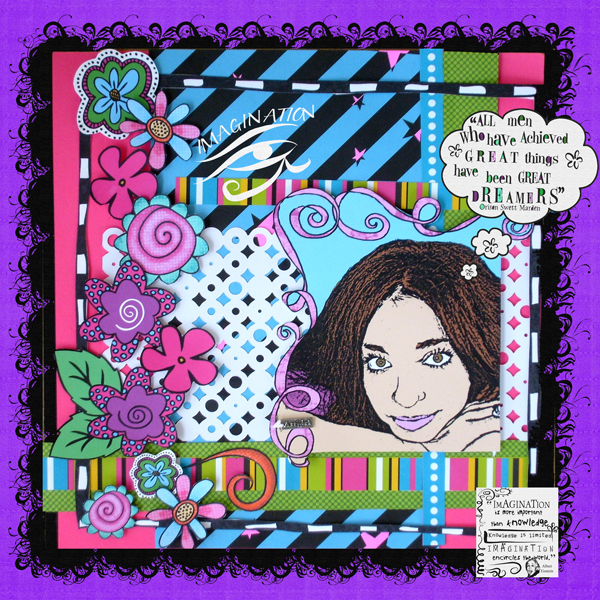
1) Open your photo in Adobe Photoshop…I used Photoshop Elements, and the following instructions apply to that program. I am altering them for Adobe Photoshop 7.0…if something doesn’t work right, email me and let me know what it is doing and I’ll let you what to do.
2) Using the pen tool, trace around [...]
Blended Photo Technique Using Templates
November 29, 2009 by Kelli Vander Veen
Filed under Layouts, Projects, Vol 3 Issue 1
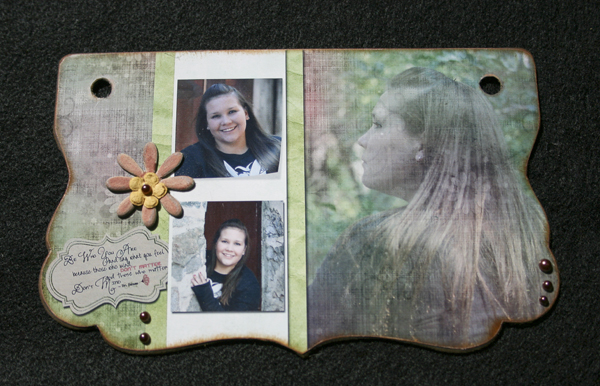
For my first project with Scrapbook Dimensions Magazine, I thought I would go through some of the things I do to create a unique page for my hybrid albums. I love using page maps to create a starting point for my page, but I usually end up putting my own spin on them and getting [...]
 Bright Bags