Texting with Paint Shop Pro
November 29, 1999 by Joli Kirk
Filed under Articles, Projects, Vol 3 Issue 2
While this article won’t be about small hand-held gadgets that allow us to communicate with others, it will teach us how to send a message using text by creating a text element on our computer in Paint Shop Pro and using those text creations on specific projects.
A good friend introduced me to computers over thirteen years ago. I was immediately hooked and went out and purchased my own. She told me to prepare for an addiction to fonts. I thought it was a dumb thing for her to say and she didn’t know what she was talking about but I couldn’t have been more wrong. In fact, she was absolutely right! I am completely and whole-heartedly addicted to fonts, words, text, and the many glorious things I can do with them. I’d love to share part of my text addiction with you.
One of the greatest things about fonts and graphic programs is you aren’t limited to straight lines. In fact, many scrapbookers often prefer the less-than-perfect look of scattered fonts and type and what that text type can say to those who look at their projects. You see this again and again wherever you look at layouts or projects and you see that text really lends itself to the overall feel or message that is being conveyed.
Today I’m going to show you how easy it is to create text on a path using Paint Shop Pro to achieve the scattered (or patterned) look of text. I will show you two different techniques and each is solid information for beginners or advanced users of PSP. You can play and experiment with one or both techniques. It’s easy, it’s fun, and it opens new doors for your creativity and imagination. I will be using PSP version 8 but you should be able to achieve these same results in other versions of Paint Shop Pro.
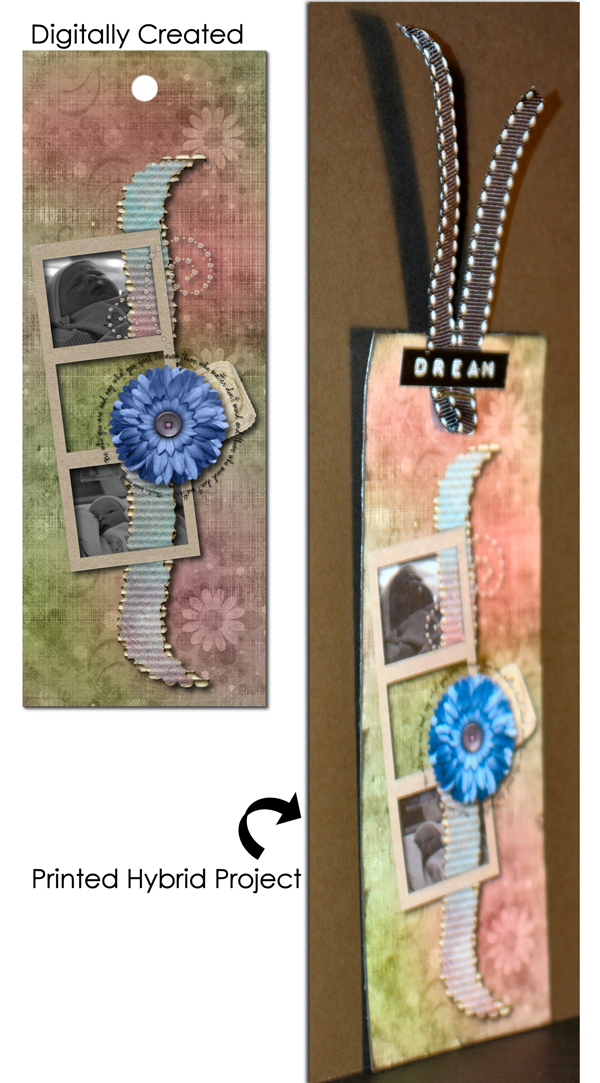
Once we’ve got some “texting” done with Paint Shop Pro, we’ll use that text on a bookmark and a greeting card that you can print and share with friends and family.
As I mentioned I’ll be teaching you two different methods of text on a path. I’ll explain both to you and you’ll see how each is the same, yet very different especially with the end results. You may end up preferring one to the other but they are both unique in how they can serve you in your scrapbooking and hybrid projects. Let’s get started!
Please login or register to view this content.

 Ecogreen Crafts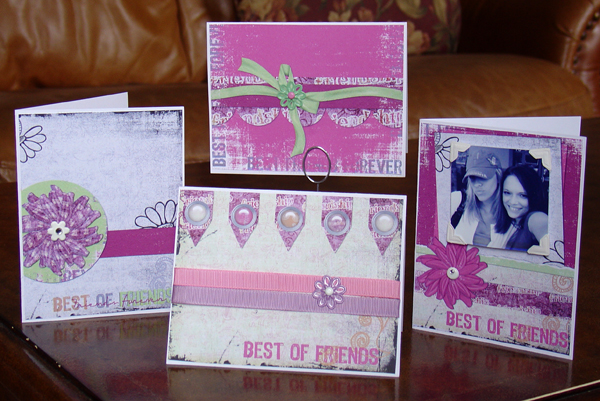




Facebook comments: